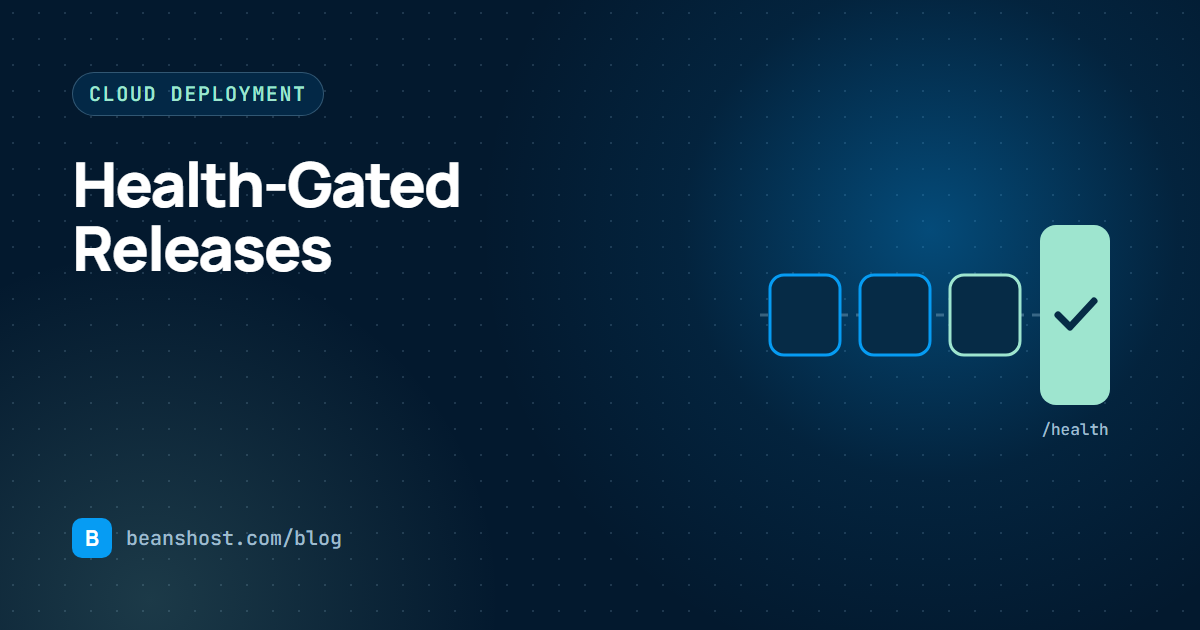
Most deployment failures are not dramatic. The build passes, the service starts, and then the first real request fails because an environment variable is missing or a dependency will not load. A health-gated release catches that moment before users do. The new version has to answer on a known path before it becomes active, and if it cannot, the old version keeps serving.
The release states worth tracking
A clear release process moves through explicit states. Naming them makes it obvious where a release stopped and why. BeansHost records each transition, grouped into five stages:
| Stage | States | What happens |
|---|---|---|
| Validate | validating, validation_failed, planned | The commit and checksum are compared with the registered version |
| Approve | awaiting_approval, approved, denied | Production releases can wait for a person |
| Build | building, artifact_ready | The worker is packaged or the image is built |
| Release | deploying, health_checking, active | The release goes live only after the health path answers |
| Recover | failed, rolling_back, rolled_back, cancelled, disabled | Failures are recorded and earlier releases can be restored |
Designing a good health endpoint
The health endpoint is the gate, so it needs to be honest and fast. It should prove the process started, its configuration loaded and its own code paths work. It should not depend on services the release cannot control.
- Do check that required environment variables are present.
- Do check that critical modules import and the router responds.
- Do return within a second or two.
- Do not call the model provider. Its rate limits and outages are not your release's fault.
- Do not perform writes or side effects.
import os
from fastapi import FastAPI, Response

app = FastAPI()
REQUIRED = ["OPENAI_API_KEY", "DATABASE_URL"]

@app.get("/health")
def health(response: Response):
    missing = [name for name in REQUIRED if not os.environ.get(name)]
    if missing:
        response.status_code = 503
        return {"ok": False, "missing": missing}
    return {"ok": True}
In beanshost.yaml the gate is configured under spec.health, with a path and a timeout between 1 and 30 seconds. Pick a timeout that covers a cold start of your slowest provider, then add a little margin.
Verify the version before you build
A health check proves the release runs. It does not prove it is the release you meant to ship. Before building, confirm that the commit and artifact checksum still match the registered version. That closes the gap where a force push or a changed branch quietly alters what goes out.
Separate development from production
Ship to a development environment first, with its own secrets, and call it through its own endpoint. When it behaves, promote the same pinned version to production. Promoting a version rather than rebuilding from a branch keeps the code identical between the two environments. On BeansHost, development and production environments are part of the Team plan.
Plan the rollback before you need it
Rollback is only quick if the previous healthy release is known and still available. Keep a record of which deployment was last active, and make rolling back a single action rather than a rebuild. BeansHost Team plans can roll back to the last healthy deployment through the API, and every rollback is recorded as its own state change.
Add a person where risk is high
Some agents take actions that are hard to undo. For those, add an approval step before production. Owners or admins approve or deny with a reason, and the decision becomes part of the release record. This is covered in governing AI agents with audit logs and approvals.
Release checklist
- Version pinned to a commit and checksum.
- Secrets present for the target environment.
- Health endpoint checks configuration and returns quickly.
- Release activates only after the health check passes.
- Development first, then promote the same version.
- Rollback target known and tested.
- First hour of metrics reviewed.
See every deployment state in the operations overview, or follow the full path in how BeansHost works.