Many teams assume that monitoring an AI agent means logging every prompt and every response. It feels thorough, but it creates a large store of sensitive data, raises questions from security and legal reviewers, and still does not answer the operational question that matters most: is the agent working right now? A metadata first approach answers that question faster and with far less risk.
The signals that matter
For each run, record a small set of fields. None of them contain user content, and together they explain most incidents.
| Field | What it tells you |
|---|---|
| Status | Whether the run succeeded or failed |
| Duration | How long the run took, end to end |
| Provider | Where the agent ran: Vercel, Render, AWS or Azure |
| Error category | Why it failed: timeout, unreachable, quota and so on |
| Request and response size | Byte counts that reveal payload growth or truncation |
| Source | Whether the control plane made the call or the agent reported it |
| Execution and correlation IDs | How to find the run from a support ticket or trace |
Four numbers to watch
Runs
Volume over time. A sudden drop usually means callers are failing before they reach the agent. A sudden spike may be a retry storm or a new integration.
Success rate
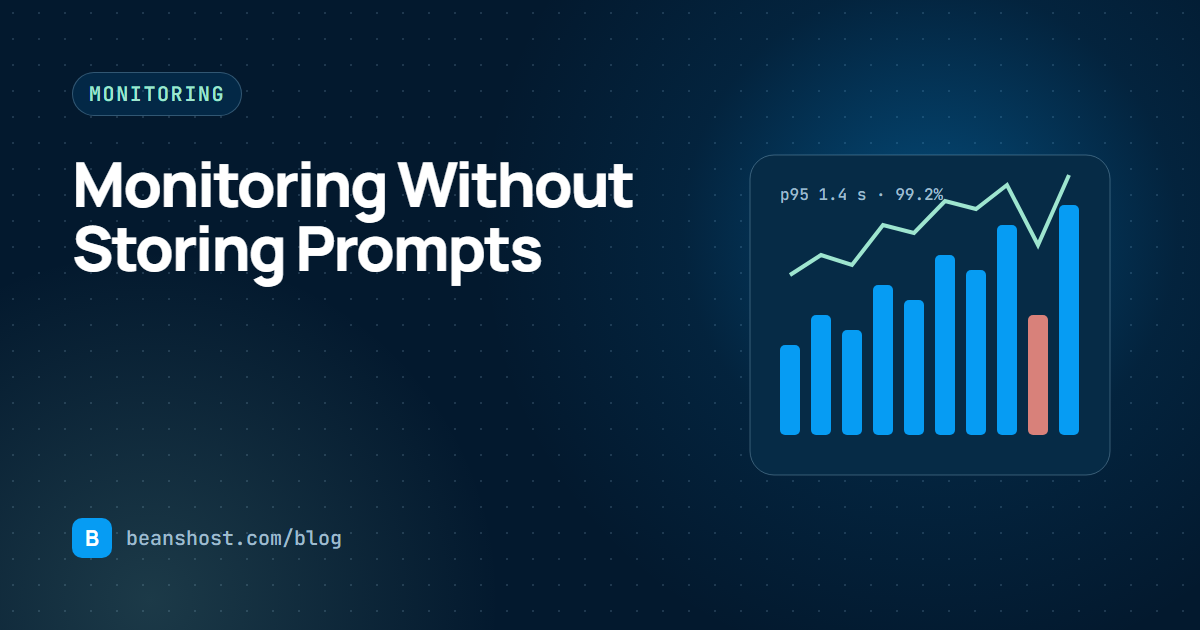
Succeeded runs divided by all runs. Track it per agent and per environment. A healthy production agent typically holds well above 99 percent. A slow slide is often more telling than a sharp dip.
p95 duration
The time within which 95 percent of runs finish. Averages hide the slow tail that frustrates users, and p95 shows it. If p95 rises while success rate stays flat, a dependency is slowing down before it starts failing.
Most common failure
The error category with the highest count. It turns a vague sense that something is wrong into a specific next step: raise a timeout, check a provider status page or upgrade a plan.
Reporting runs from the agent
Runs made through the BeansHost endpoint are recorded automatically. For runs that bypass it, the agent can send a small metadata record using a key with the Report runs scope. It appears in Executions next to the others, labelled by source.
curl -X POST "https://app.beanshost.com/api/v1/runtime/agents/$AGENT_ID/runs?environmentId=$ENVIRONMENT_ID" \
  -H "Authorization: Bearer $BEANSHOST_API_KEY" \
  -H "Content-Type: application/json" \
  -d '{"status": "succeeded", "durationMs": 840}'
Why not store prompts?
- Privacy. Prompts often include names, account details or internal documents.
- Scope. Every system that stores content becomes part of your compliance review.
- Cost. Content is large. Metadata is tiny and fast to query.
- Focus. Most incidents are about availability and latency, not wording.
There are good reasons to evaluate output quality, but that is a separate, deliberate process with consent and sampling, not a side effect of operational logging. In a beanshost.yaml manifest, spec.observability.captureContent defaults to false for this reason.
Usage is a monitoring signal too
Monthly runs measured against a plan limit tell you when growth is coming before it becomes an outage. A warning at 80 percent leaves time to upgrade or optimize. BeansHost shows runs, failed runs, run time and data transferred by day, agent and project, with that warning built in.
A simple monitoring routine
- Check success rate and p95 for production agents once a day.
- Review the most common failure each week and fix the top cause.
- Watch monthly usage against your plan from the middle of the month.
- After every release, compare the first hour against the previous day.
Explore how Executions and Usage work in the operations overview, or read about handling failures with retries and circuit breakers.