As agents take on real work, someone eventually asks three questions: who is allowed to change this agent, who did change it, and who decided it was ready for production? Governance is simply having good answers to those questions. Done well, it is a few clear rules built into the release path, not a separate process that slows everyone down.
Start with roles, not exceptions
Fixed roles with known permissions are easier to understand and audit than individual grants. A useful set separates building, operating, auditing and paying:
| Role | Typical responsibilities |
|---|---|
| Organization Owner | Everything, including governance policy and owner changes |
| Organization Admin | Members, projects, connections, secrets, billing and production approvals |
| Developer | Projects, agents, secrets, API keys and deployments |
| Operator | Deployments and calling agents |
| Auditor | Reading and exporting the audit log and governance decisions |
| Billing Admin | The plan and billing |
| Viewer | Read-only access to projects, agents, deployments and runs |
Two guard rails prevent the most common escalation mistakes: only an owner can change another owner's role, and nobody below owner can change their own roles. An organization should also never be left without an owner.
Keep an audit log that cannot be rewritten
An audit log is only useful as evidence if nobody can edit it after the fact. Enforce that at the database, not in application code. A trigger that rejects updates, and rejects deletes inside the retention window, means even a misbehaving service cannot change history.
- Record the actor, the action, the target, the result and the status code.
- Record failed and refused attempts, not only successes.
- Keep secret values out of the log entirely.
- Group events into categories such as members, API keys, secrets, connections, deployments and billing.
- Make the log searchable and exportable, for example as CSV.
BeansHost records audit events on every plan. Team plans can read 90 days of history and Enterprise plans 365 days.
Add approvals where risk is high
Approvals are powerful and expensive. Every approval step adds waiting time, so use them where the cost of a mistake is high. Classify each agent by risk in its manifest, then decide which risk levels need a person before production.
spec:
  governance:
    registrationRequired: true
    approvalRequiredForProduction: true
    riskClassification: high   # low, medium, high or critical
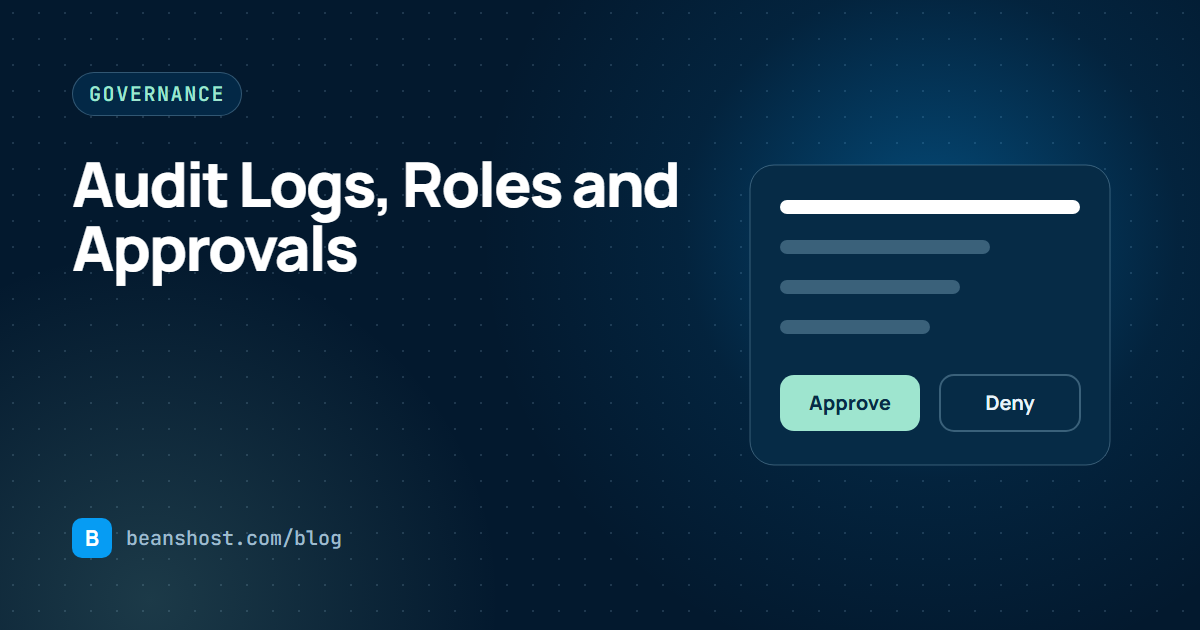
When a matching release reaches production, it waits in an awaiting approval state. An owner or admin approves or denies it with a written reason, and the decision is stored with the release so the evidence timeline tells the full story later.
Separate the requester from the approver
The value of an approval drops sharply if people can approve their own changes. Separation of duties means the person who requested a release cannot be the one who approves it. Make it a policy setting so smaller teams can start without it and turn it on as they grow.
Make governance visible
People follow rules they can see. Put waiting releases, recent decisions and the current policy in one place, and show the approval state directly on the deployment. When developers know exactly why a release is waiting and who can approve it, approvals stop feeling like a black box.
A governance starter plan
- Assign every member one role and review roles each quarter.
- Turn on the audit log and export it monthly for your records.
- Classify each agent's risk in its manifest.
- Require approval for high and critical agents in production.
- Turn on separation of duties once you have more than one approver.
- Confirm that production fails closed when governance cannot answer.
Production approvals and separation of duties are part of the BeansHost Enterprise plan. Member invitations with roles and readable audit history start on Team. See how they fit together on the operations page, and pair this guide with health-gated releases.