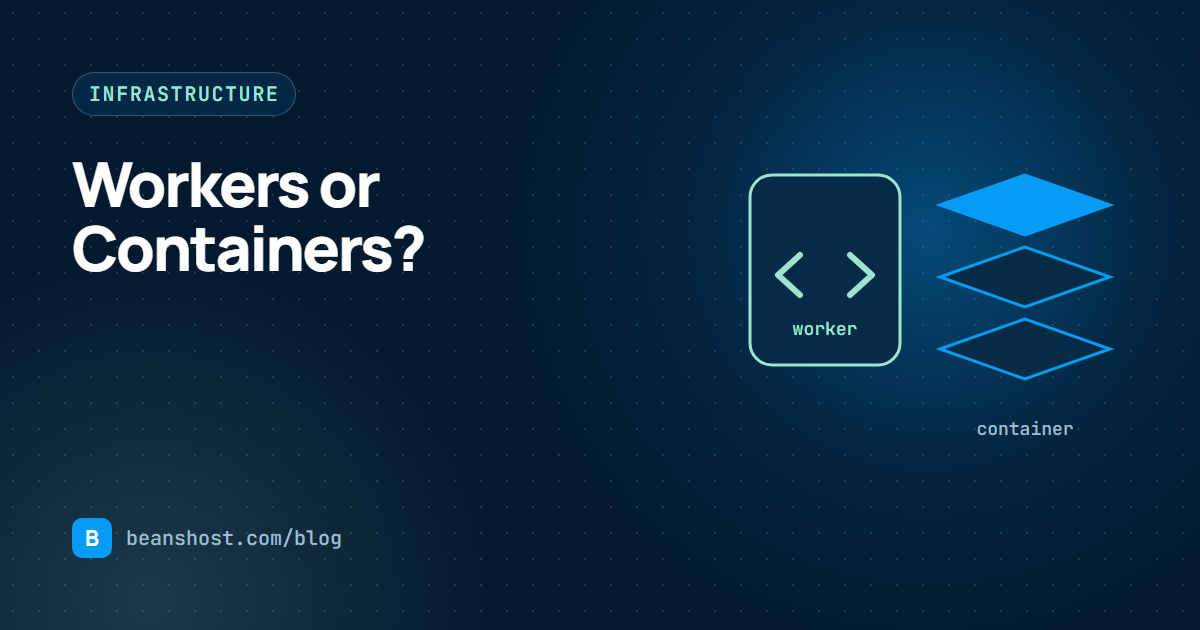
Every agent needs somewhere to run, and the first infrastructure decision is usually the most lasting one: a worker or a container. Workers are small JavaScript programs built on Web standard APIs that start fast and scale out easily. Containers package any language and any dependency into an image that runs the same way everywhere. Both are good choices for different agents.
What each option really means
A worker is a module that exports a fetch style handler. It uses Request, Response, fetch and the other standard Web APIs, and it does not assume a full operating system underneath. Platforms can package it directly from the entrypoint with no image build.
A container is an image built from a Dockerfile. It can hold a Python interpreter, native libraries, a headless browser or a local vector index. It needs a build step and a registry, and it starts more slowly, but it can do almost anything.
| Factor | Worker | Container |
|---|---|---|
| Languages | JavaScript and TypeScript | Any language |
| Native dependencies | Limited | Anything you can install |
| Startup time | Very fast | Seconds, depending on image size |
| Build step | Package the entrypoint | Build and push an image |
| Long runs | Depends on platform limits | Well suited |
| Portability | Good with Web standard APIs | Excellent across clouds |
When a worker is the right choice
- The agent is written in TypeScript and mostly calls model and tool APIs over HTTP.
- Runs are short and traffic is spiky, so fast startup matters.
- You want the simplest possible build with no image registry.
- You do not rely on native modules or local files.
When a container is the right choice
- The agent is written in Python, Go, Java or another language.
- It depends on native libraries, such as document parsers or ML runtimes.
- Runs are long or memory heavy.
- Your organization already standardizes on images for security scanning.
You may not need to write the Dockerfile
Many agent repositories do not have a Dockerfile, and writing a good one takes time. BeansHost uses your Dockerfile whenever the repository has one, so any language that builds into a container works. When there is none, it generates one for Node.js 22, or for Python 3.12 with FastAPI on uvicorn, Flask on gunicorn or a plain script. Generated images listen on port 8080.
FROM python:3.12-slim
WORKDIR /app
COPY requirements.txt .
RUN pip install --no-cache-dir -r requirements.txt
COPY . .
ENV PORT=8080
EXPOSE 8080
CMD ["uvicorn", "app.main:app", "--host", "0.0.0.0", "--port", "8080"]
Where the build happens matters
For containers, ask where the image is built and stored. Building inside your own cloud account, with AWS CodeBuild pushing to Amazon ECR or Azure ACR Tasks pushing to Azure Container Registry, keeps images in infrastructure you control and lets your existing scanning and retention policies apply. Platforms such as Vercel and Render build on their side from the connected commit.
Declaring the choice in a manifest
Whichever you pick, write it down next to the code. In beanshost.yaml the choice is a single field, spec.runtime.type, set to worker or container, plus the entrypoint path. Changing your mind later is a one line diff and a new registered version.
spec:
  runtime:
    type: worker            # or: container
    entrypoint: dist/index.js
  scaling:
    minimumInstances: 0
    maximumInstances: 10
    concurrency: 100
Cost and scaling considerations
Workers usually cost less for spiky, short traffic because you pay close to per request. Containers cost less for steady, heavy traffic because one warm instance can serve many concurrent runs. A minimum instance count above zero removes cold starts for containers at the price of an always on instance. Read more in our guide to scaling AI agents.
A simple decision guide
- If the agent is not JavaScript or TypeScript, choose a container.
- If it needs native libraries or long runs, choose a container.
- If it is TypeScript, calls APIs over HTTP and runs briefly, start with a worker.
- If you are unsure, start with a container. It is the most portable choice.
Both paths deploy the same way in BeansHost, to Vercel, Render, AWS or Azure, and both get the same agent API and run records. See the full platform overview for how each provider builds and runs your agent.