Most AI agents start life as a script on a laptop. It calls a model, uses a tool or two, and returns something useful. Then someone asks for it in production, and the questions change. Which version is running? Who deployed it? Where do the secrets live? Why did it fail at 2 a.m., and what did it cost this month? None of those questions are about the agent's prompt. They are about operating software, and they are the reason the idea of an AI agent control plane has moved from infrastructure jargon into everyday conversations on product teams.
Control plane and data plane, in plain terms
The terms come from networking. The data plane is where the real work happens: packets move, requests are served, the agent answers a user. The control plane decides what should run, where, with which configuration, and keeps the record of what happened. Kubernetes popularized the split for containers. The same split is useful for agents because agents are long lived services with their own release cycle, credentials and failure modes.
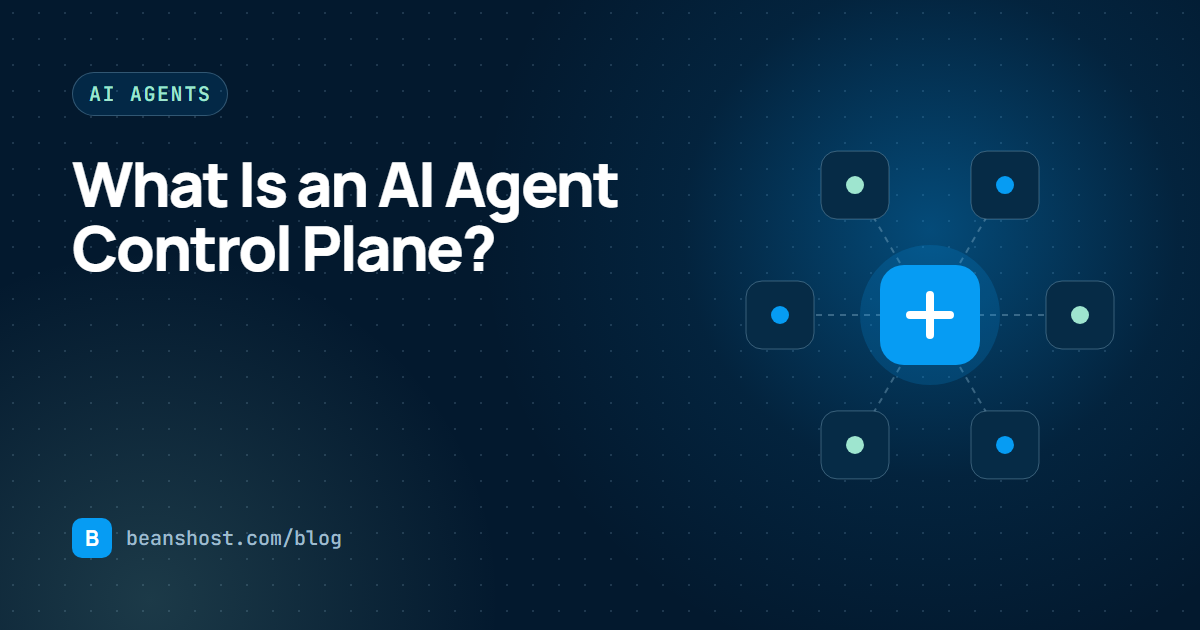
Applied to agents, the data plane is the cloud account where your agent process runs and calls its model provider. The control plane holds the agent's definition, its versions, its deployments, its secrets, its API keys and the history of every run and approval.
| Concern | Control plane | Data plane |
|---|---|---|
| Agent definition and versions | Stores and validates them | Runs the chosen version |
| Secrets | Encrypts and distributes them | Reads them at runtime |
| Releases | Plans, gates and records them | Hosts the running service |
| Runs | Authenticates, rate limits and records metadata | Executes the agent logic |
| Access | Roles, keys and audit history | Network and provider controls |
Why agents need one sooner than you think
A single agent rarely needs a control plane. The pressure arrives with the second and third agent, the second environment, or the first teammate who should be able to deploy but not change billing. At that point the knowledge of how things work is scattered across a README, a CI file, a cloud console and someone's memory. Four symptoms show up again and again:
- Nobody can say which code is live. A branch name is not a version. Without a pinned commit and a checksum, a redeploy can quietly ship something different.
- Secrets drift between environments. Keys are pasted into three dashboards and rotated in two of them.
- Runs are invisible. The agent works until it does not, and there is no shared view of success rate, latency or the most common failure.
- Access is all or nothing. Everyone who can deploy can also delete, and nobody can show who approved the last production change.
What a good AI agent control plane does
The details vary, but a useful control plane covers the full lifecycle rather than one step of it. A practical checklist looks like this:
- Source and specification. Connect a repository and describe the agent in a versioned file, such as a
beanshost.yamlmanifest, so runtime, health checks, triggers and secret names live next to the code. - Immutable versions. Register each version against an exact commit and a checksum so every deployment points at known code.
- Deployment to real infrastructure. Deploy to the clouds your team already uses, with logs and a health check before a release becomes active.
- A stable way to call the agent. Give each agent an authenticated endpoint with rate limits and an execution ID per call.
- Observability by default. Record status, duration, provider and error category for every run without storing prompts or responses.
- Governance. Roles, an append-only audit log and, where it matters, a person who approves production releases.
Separating control from execution
Keeping the control plane separate from the runtime has three practical benefits. First, your agent traffic does not have to pass through a vendor's servers to reach your model provider, so latency and data residency stay under your control. Second, you keep your existing cloud discounts, credits and billing alerts. Third, the control plane can be strict about records without being in the hot path of every token your agent generates.
This is the model BeansHost follows. The control plane keeps organizations, projects, environments, agent versions, deployments, secrets, API keys, runs, usage, approvals and audit events. The agent itself runs in the Vercel, Render, AWS or Azure account you connect.
How the lifecycle fits together
A typical flow through a control plane follows six stages. You organize work into an organization and project, connect a repository, define the agent in a manifest, deploy it to a cloud account, operate it through its API and runs, and govern it with roles, audit history and approvals. The How it works page walks through each of those stages screen by screen.
apiVersion: beanshost.io/v1alpha1
kind: Agent
metadata:
  name: support-triage
  displayName: Support triage
spec:
  runtime:
    type: container
    entrypoint: app/main.py
  health:
    path: /health
    timeoutSeconds: 10
  triggers:
    - type: http
      path: /invoke
Signs you are ready for a control plane
- You run more than one agent, or one agent in more than one environment.
- More than one person deploys, and you want them to have different permissions.
- Another application, team or customer needs to call your agent through an API.
- You need to answer what changed, when and why after an incident.
- You want to move between cloud providers without rewriting your release process.
If two or more of those are true, the cost of not having a control plane is already showing up as slower releases and longer incidents.
Key takeaways
- A control plane decides what runs and keeps the record. The data plane runs it.
- Agents need the split early because they combine service releases with credentials and model costs.
- Look for pinned versions, health-checked deployments, an API per agent, metadata-only run records and real governance.
- Keeping execution in your own cloud account keeps the bill, the network path and the data with you.
To see these ideas applied end to end, read our guide to deploying AI agents to your own cloud, or compare BeansHost plans.